Catch the habit in real time
Screen-time dashboards report the damage later. Friction steps in when the scroll loop starts — not after.
Android app · Privacy-first · On-device
Friction adds a mindful pause the moment the scrolling habit starts. Pick the apps, choose how much friction, and keep everything on your phone.
Why it feels different
Screen-time dashboards report the damage later. Friction steps in when the scroll loop starts — not after.
Start gentle with a toast, use a short countdown, or put a harder pause in front of your most distracting feeds.
Blocks, logs, and intervention logic stay on-device. No sign-in. No servers. No ad stack.
Product tour
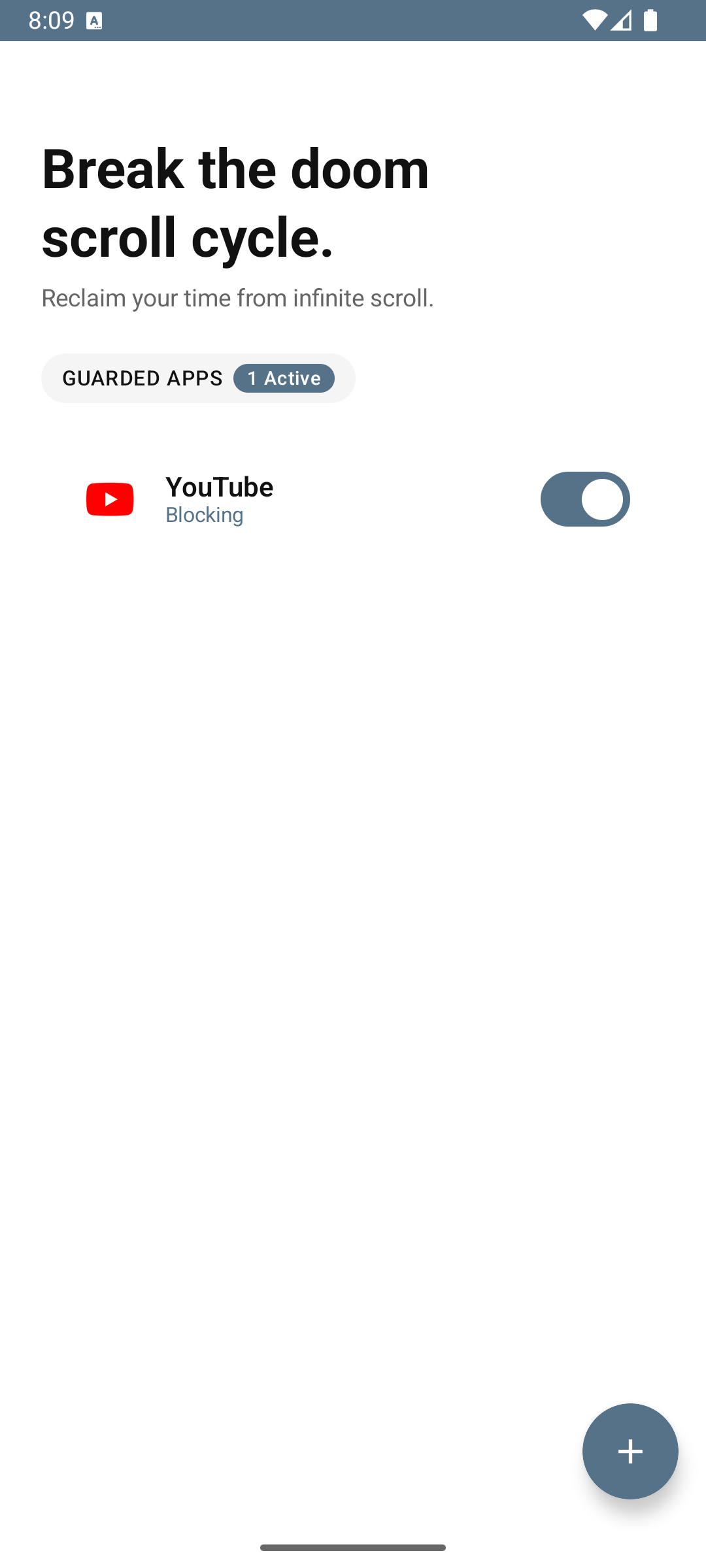
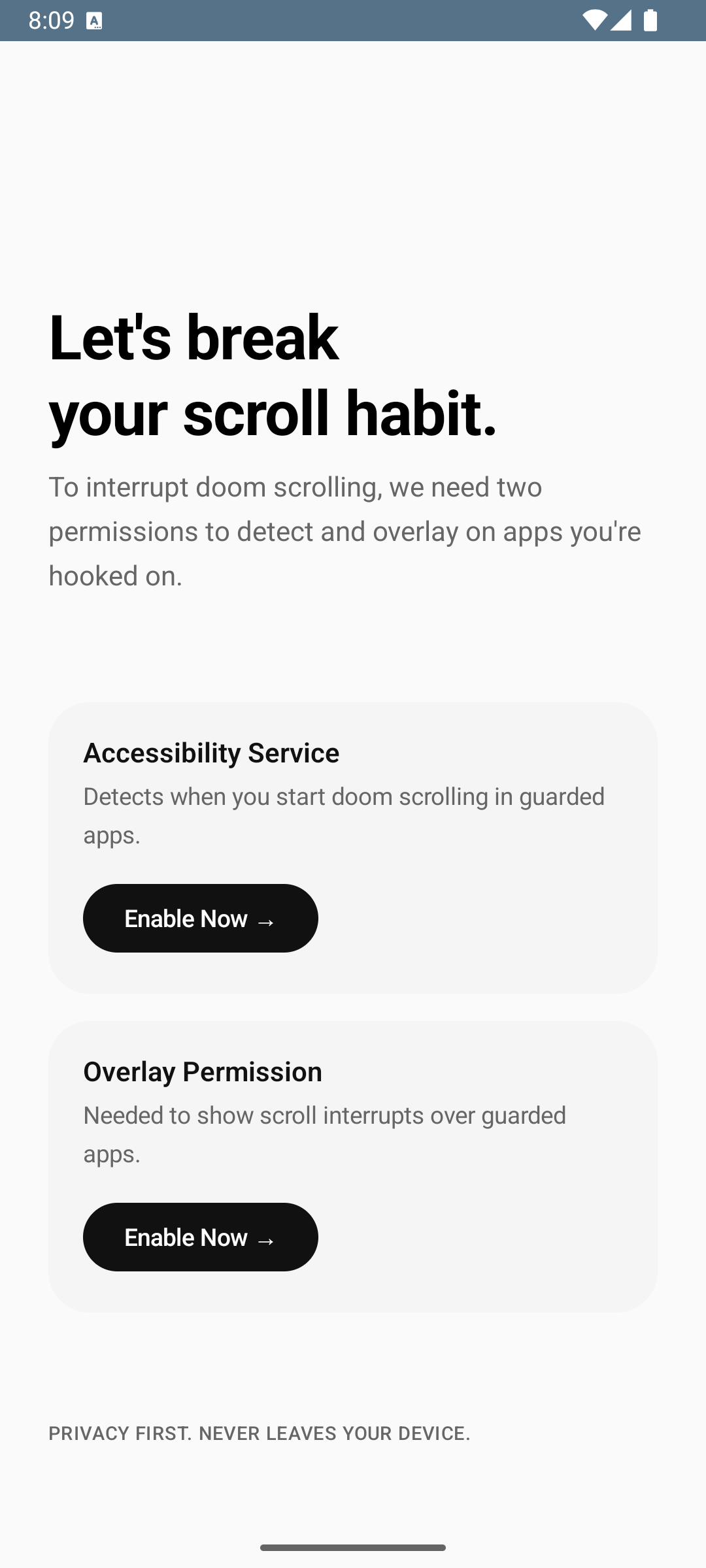
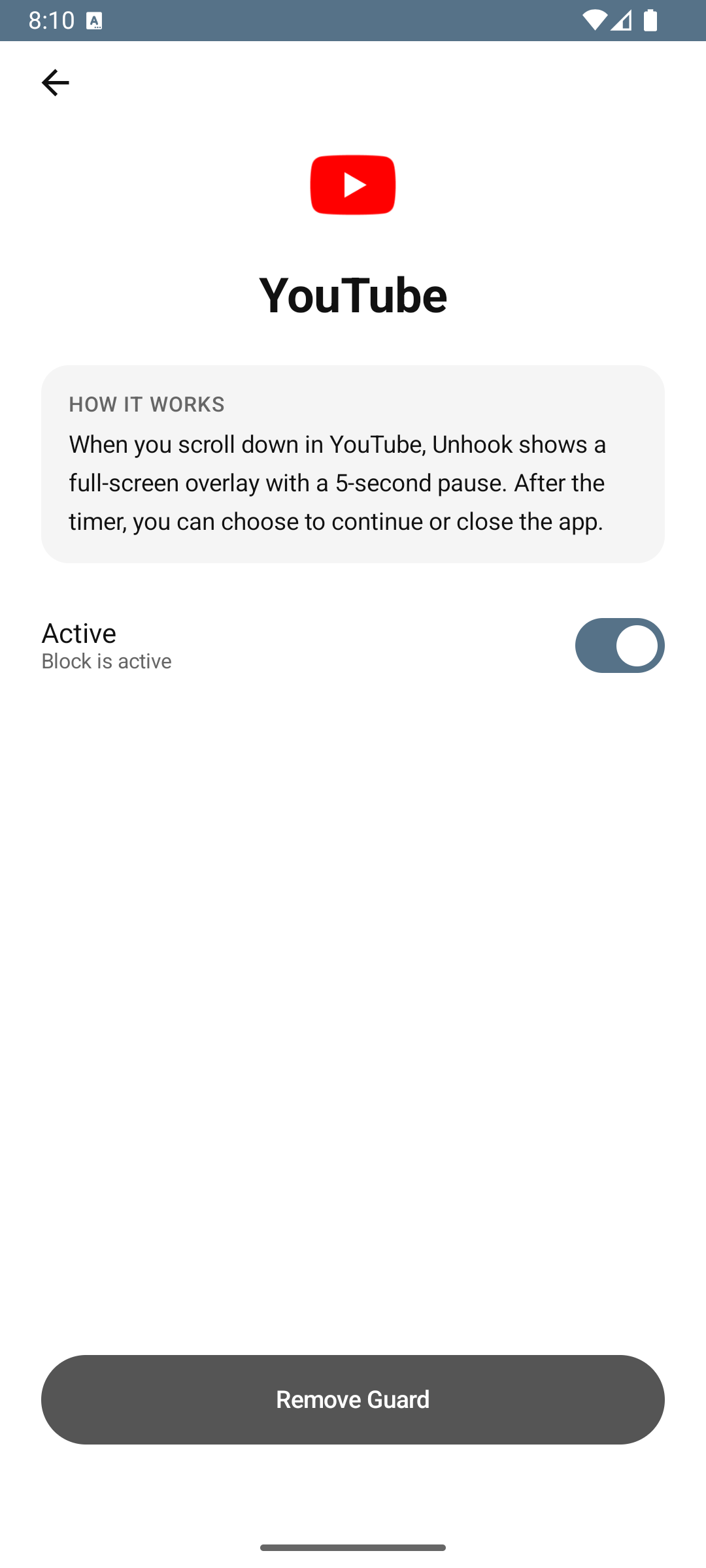
Real app screens — what you see here is exactly what you get after install.
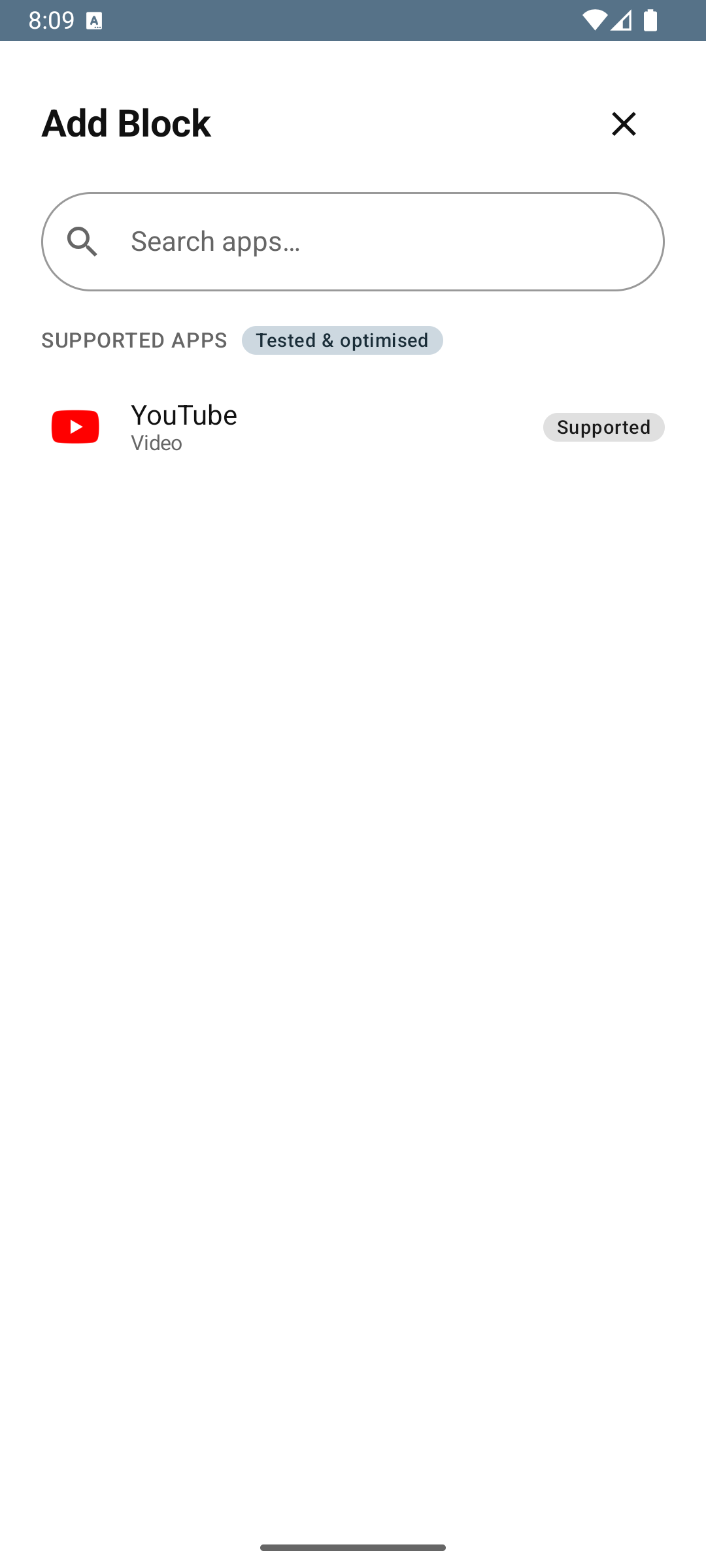
Intervention modes
Shows a scroll count at the bottom of the screen. No interruption — just awareness.
A semi-transparent overlay appears over the feed. Tap anywhere to continue.
A full-screen overlay with a 5-second countdown. Wait, breathe, then decide.
Scheduled blocking, streak tracking, and deeper customization are on the way.
Privacy
Friction is designed to work entirely on your device. Its purpose is narrow: detect scroll events in the apps you choose and show a pause — without building a profile around your activity.
Read the full Privacy Policy — including data retention and how to delete your data.
Your blocked app list, intervention behavior, and local logs never leave your phone. Friction does not require an account or a backend service.
Accessibility permission is used only to detect scroll events. Overlay permission is used only to display the pause layer. Both can be revoked in Android settings at any time.
No advertising, no audience profiling, no third-party analytics. The product does one thing: pause the scroll loop locally, with no data footprint.
Ready when you are
Install Friction from Google Play, grant two permissions, and block the apps that pull you in most.